From The First Call To Paid
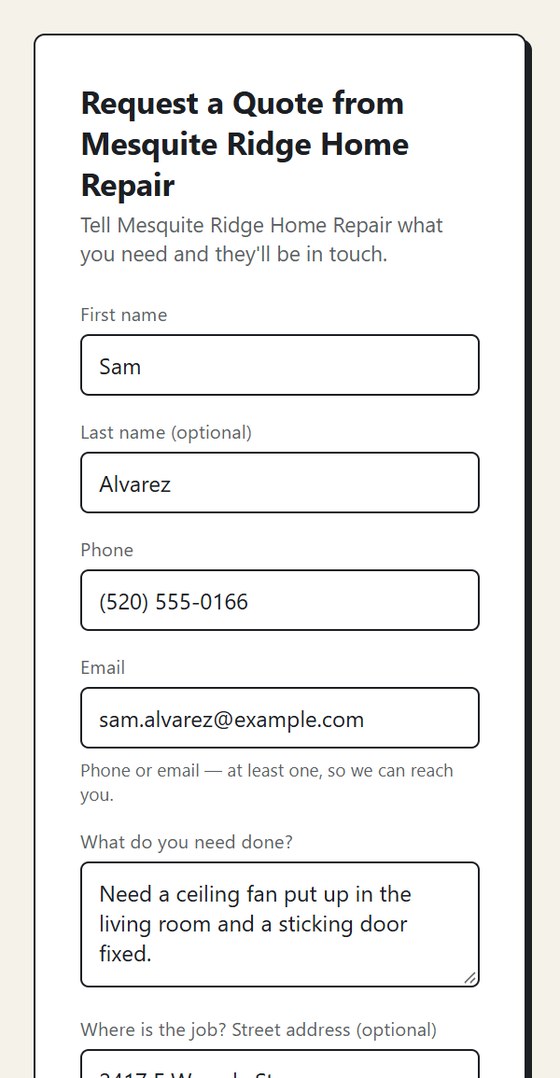
- STEP 1A request comes in. From your lead page, a call, or typing it in.
- STEP 2Send an estimate. Built on your phone. Email or text a link for customer approval.
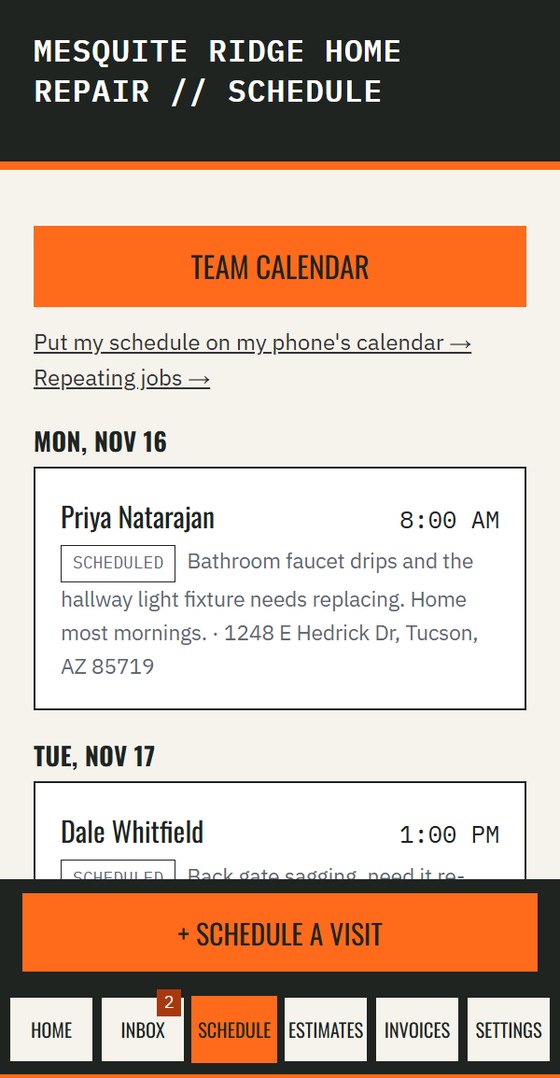
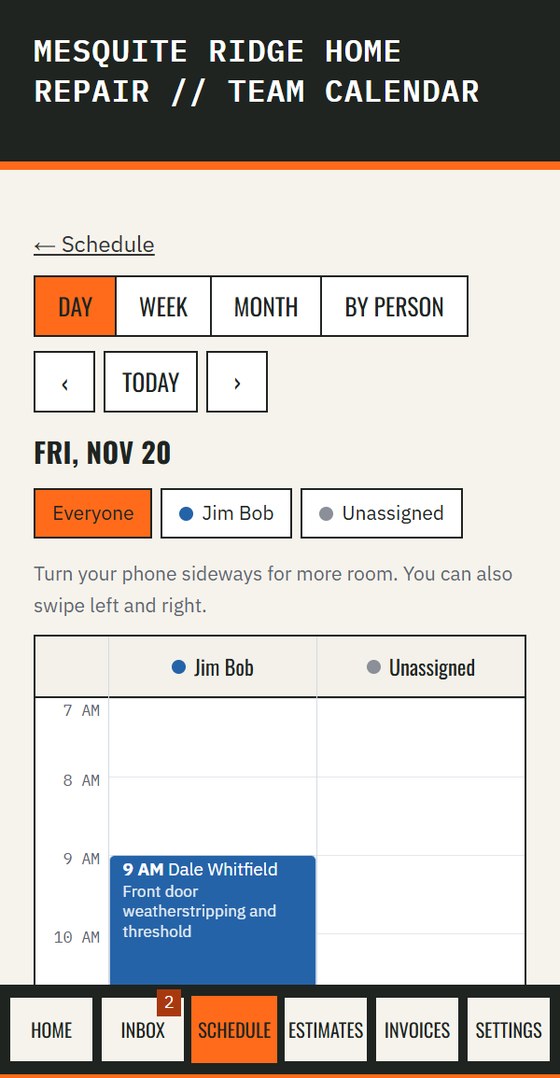
- STEP 3Schedule the visit. It lands on the calendar for you or a crew member.
- STEP 4Send the invoice. One tap from the finished job.
- STEP 5Get paid. Customers can pay by card on the spot in their private link.
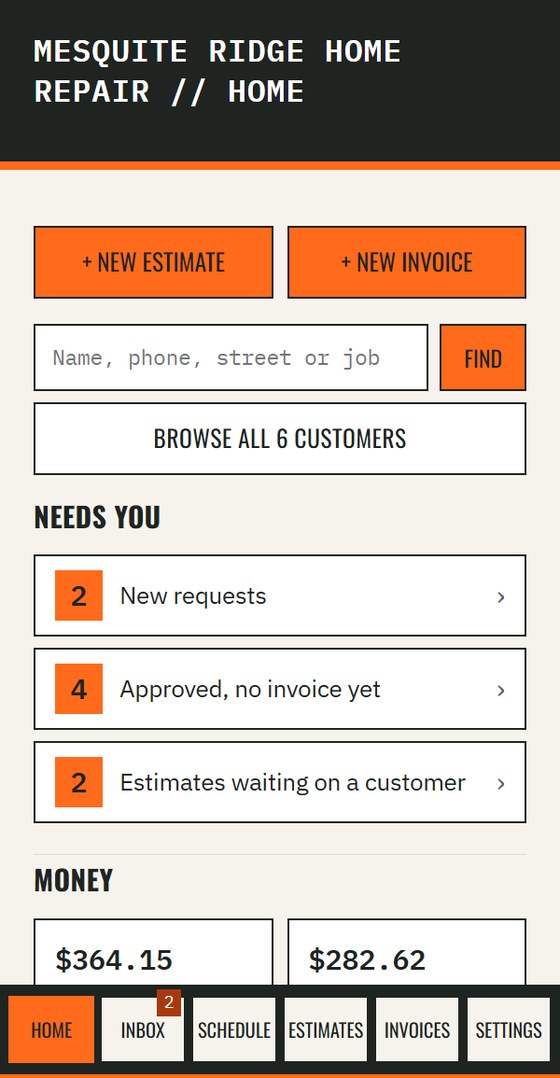
Everything A Job Needs, One Thumb Away
Requests, estimates and your schedule, built for the truck and the job site. Use it on your phone in the field, or on a computer at the kitchen table. Same app, same login.
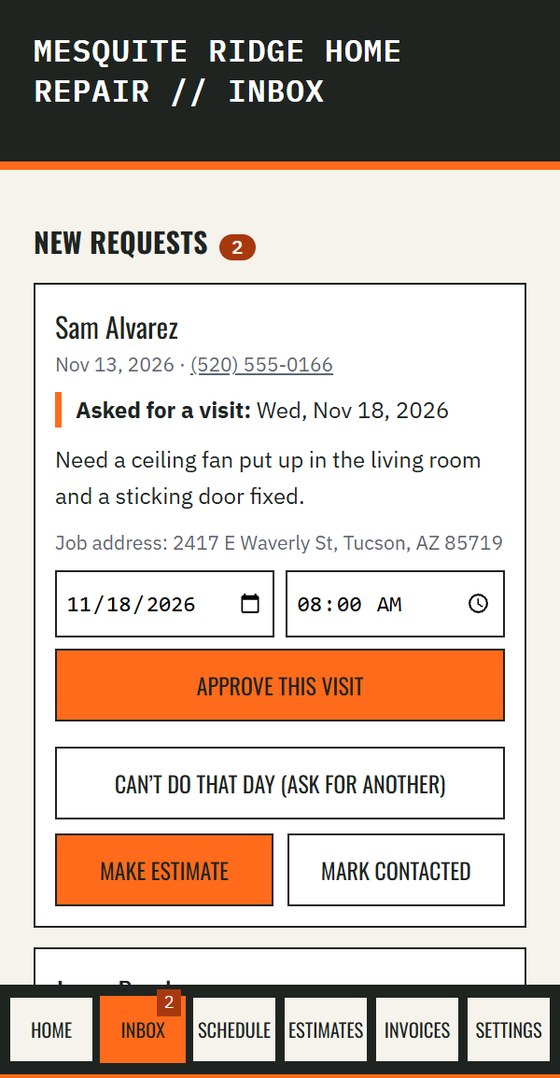
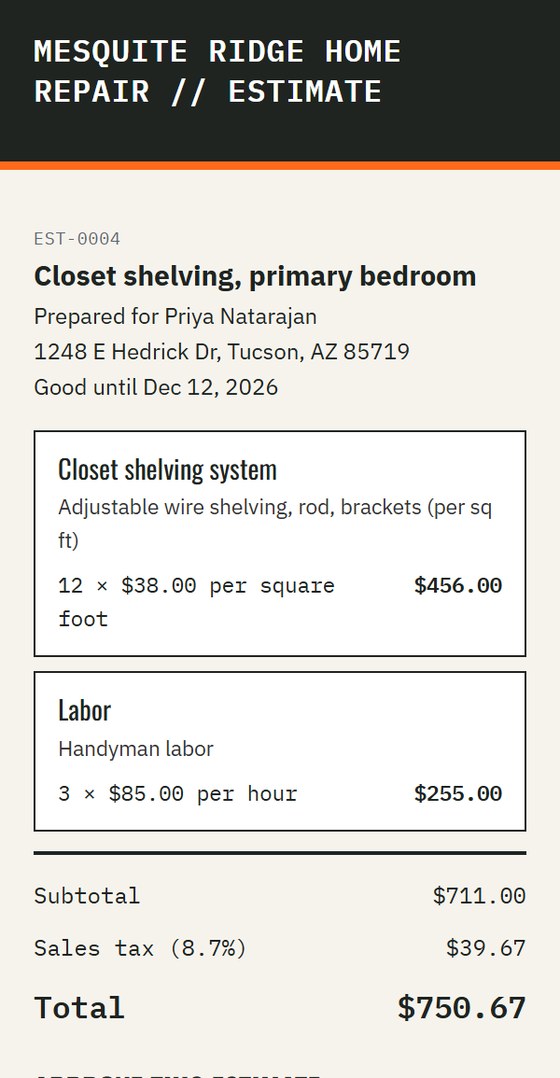
Built For A Truck, Not A Desk
- Your own custom lead page, so customers can ask for a job any time. Every request lands in the app.
- A team calendar, so you can see who is where by day, week or month.
- Logins for you plus 2 crew, with room to add more. Each crew member sees their own jobs, in a list and a calendar.
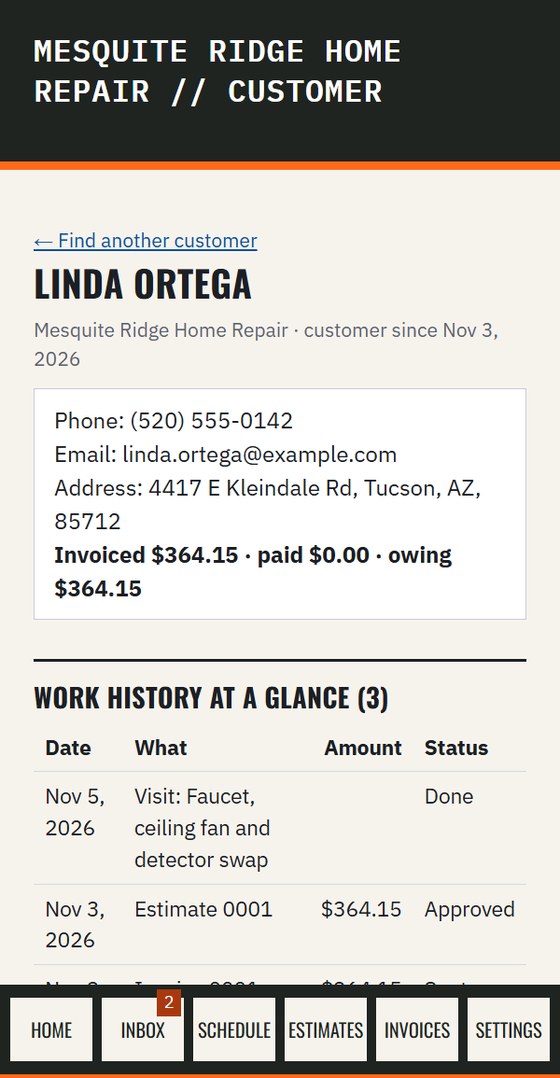
- Customer history and job photos, all on the same record.
- Snap receipts and log expenses against the job, with job costs added up for you.
- Miles worked out from the job address when you tap Arrived. Your location is only read when you tap a button.
- On my way, Arrived and Done times saved on every visit, for your own reference. It is not payroll or timekeeping.
- Works when the signal doesn't. Screens you've already opened stay on your phone, and notes, expenses, photos and status changes wait and send themselves when you're back in range.
- It installs on your phone like an app.
- Download all of your data any time.
One Price
More than 2 crew? Add 3 more seats for $25 a month, any time, from the Team screen in the app. Take them off again whenever you like.
Your first 14 days are free, with no card. You add a card only when you decide to keep going.
If you don't add a card, your account turns read-only after day 14 so you can still look everything up, and it is deleted a week later. You can download your data any time.
Texting isn't part of the free trial. Once you add a card, we start registering your business for texting, which usually takes 1 to 2 weeks. Texts only cover your estimates, invoices and jobs. They are never promotions.
Extra seats start on your next invoice. During the free trial they are added to your plan, and billed with it when the trial ends.
Start My Free Trial →Same Customer, Same Record
If you use Lead Capture, every caller and every request is already on the customer's record when you open Job Manager. Nothing to re-type.
Good Questions
Why aren't you in the app stores?
Because you don't need one. Job Manager opens in your phone's browser, so there is nothing to download. Tap Add to Home Screen and it sits with your other apps. When we improve something, you get it the next time you open it with signal.
What if I have little or no signal on the job?
Open your schedule once with signal before you head out. Then today's jobs and customer details stay on your phone for reading. Notes, expenses, photos, and On my way, Arrived or Done taps you make with no signal wait on your phone and send on their own when you're back in range. Opening a screen for the first time, and the calendar, need signal.
What if I have more than 2 crew?
Job Manager comes with logins for you plus 2 crew. If you have more people, add 3 more seats for $25 a month from the Team screen in the app, up to 9 extra seats. Take them off any time. For a bigger team, contact us.